Cratr Plus
Comic Books & Short Boxes are part of Cratr Plus. Music and comics live in separate tabs on Home so your vinyl shelf stays uncluttered unless you turn Comics on.
Enabling Comic Books
- Open Settings → Features.
- Toggle on Comic Books (Beta).
- Optionally choose your Default Tab (Records or Comics) for app launch.
Once enabled, a Short Boxes tab appears in your navigation bar/rail, and comic actions appear in the + menu.
Adding & Cloning Comics
- Search ComicVine or Metron: Tap + → Add Comic and search by series name, issue number, or barcode.
- Configure Metadata Sources: Add your personal ComicVine API key and/or Metron credentials in Settings → Metadata & Sync → Comic Collection and pick your Comic API Priority.
- Duplicate as Variant: On any comic's detail screen, use the Duplicate as variant button (
content_copy) to quickly clone an issue for variant covers, second printings, or graded slabs.
Comic Details & Metadata
Each comic tracks fields tailored for collectors:
- Series, Issue #, Cover Date / Year, Publisher, and Cover Artist / Creators
- Condition / Grade, Quantity (shown as a badge on cards when enabled), and Storage Box
- Personal Rating, Notes, and Favorites heart toggle (when Favorites is enabled in Settings → Features)
Managing Short Boxes & Appearance
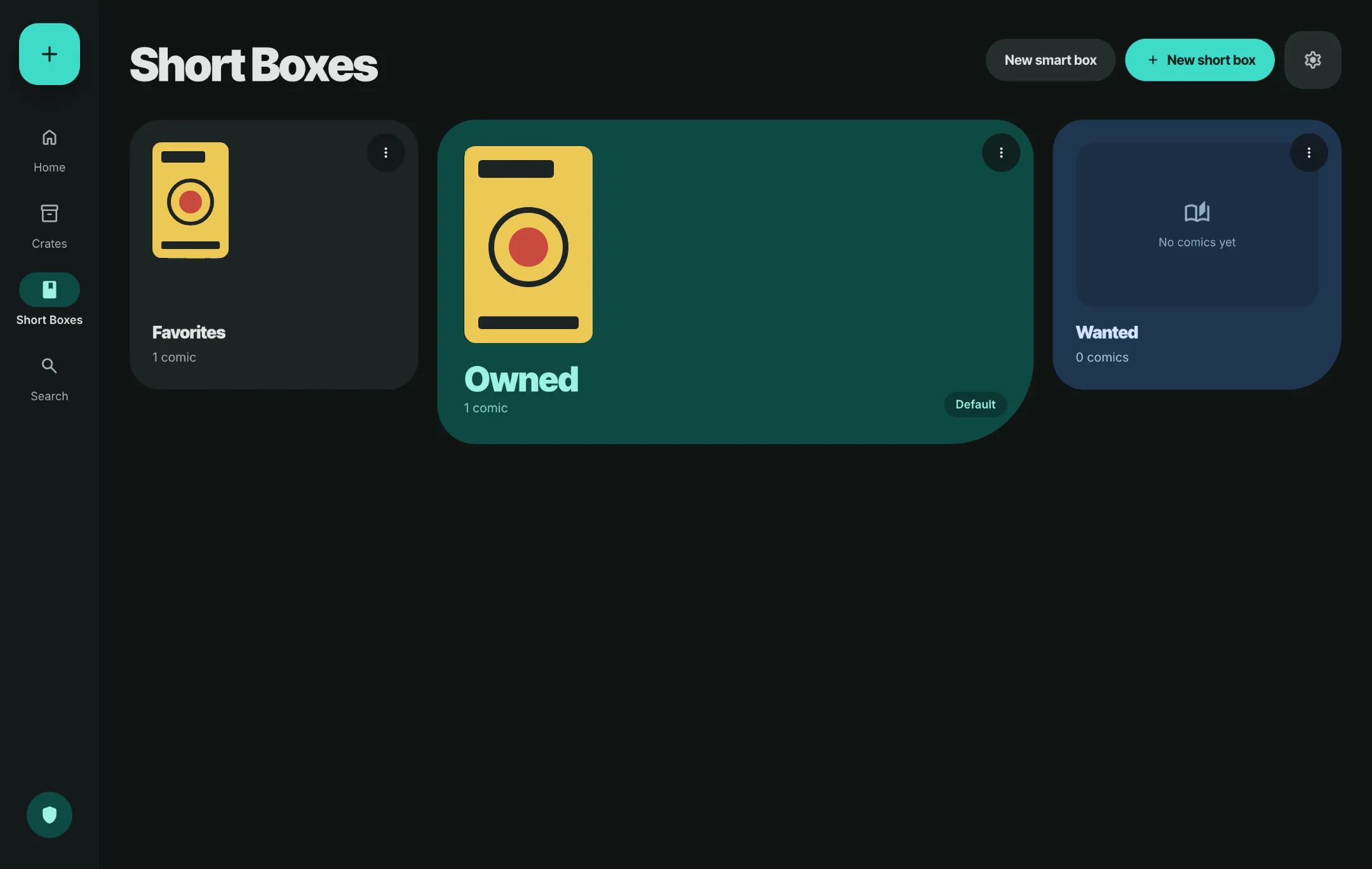
Short Boxes are the comic-book equivalent of Crates. Create custom Short Boxes for runs, publishers, slabs, or reading lists using the + FAB (+ → New Short Box) from anywhere — including while in the Short Boxes view.
- Icon, Letter, Mosaic, or Cover Artwork: Edit any Short Box to choose Icon, single Letter, Cover mosaic, or a custom uploaded Cover Image with Top / Center / Bottom crop positioning.
- Home Order & Default Box: Under Settings → Short Boxes, pick your Default Short Box for new additions, reorder boxes on Home with the up/down controls, and show or hide individual boxes.
- Card Layout: Under Settings → Appearance, configure Grid vs List view, 4, 5, or 6 wide-screen columns independently for Comics, and quantity badges.
Owned, Wanted & Batch Actions
Just like records, Cratr includes built-in Owned Comics and Wanted Comics statuses (toggled under Settings → Short Boxes).
- Quick Delete: Swipe left on any comic card in List view to reveal quick delete.
- Selection Mode & Batch Actions: Long-press any comic card (or press Shift + Enter) to select multiple issues, tap Select all for the current filtered view, and batch-move comics to another Short Box (with Undo) or batch-delete them.